
Clippr: one long video in, a week of short clips out
Podcasts, webinars and talks are full of moments that would work as short clips, but finding and cutting them takes hours. Clippr does it automatically, and the AI that picks the moments runs privately on your own computer.
The problem
Short vertical video is where attention is, and most businesses already have the raw material in the form of long recordings. The work is in the middle: watching the whole thing, spotting the moments that stand on their own, cutting them, reframing them for a phone screen and adding captions. Paid clipping services charge monthly and need every video uploaded to them.
How it works
- Bring a videoPaste a link or upload a file.
- TranscribeEvery word, with its exact timing.
- ShortlistA quick pass over the transcript picks candidate moments.
- Watch and listenAn AI model looks at 60 frames and hears the audio of each candidate, then scores it.
- Cut and captionReframed to 9:16 around the speaker's face, with word-by-word captions.
Because the AI actually watches and listens to each candidate rather than only reading the transcript, it can tell a moment that reads well from one that plays well.
Screens
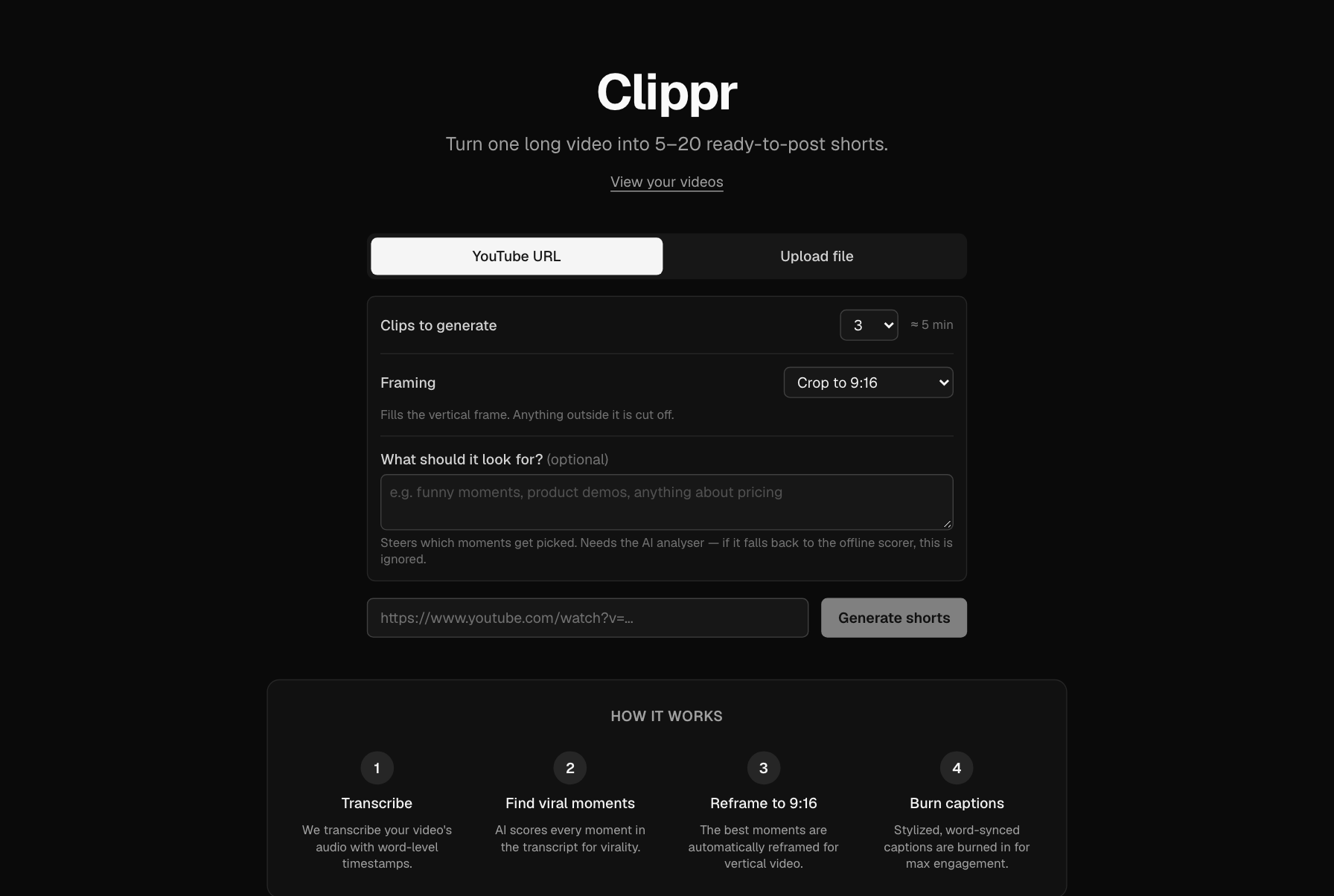
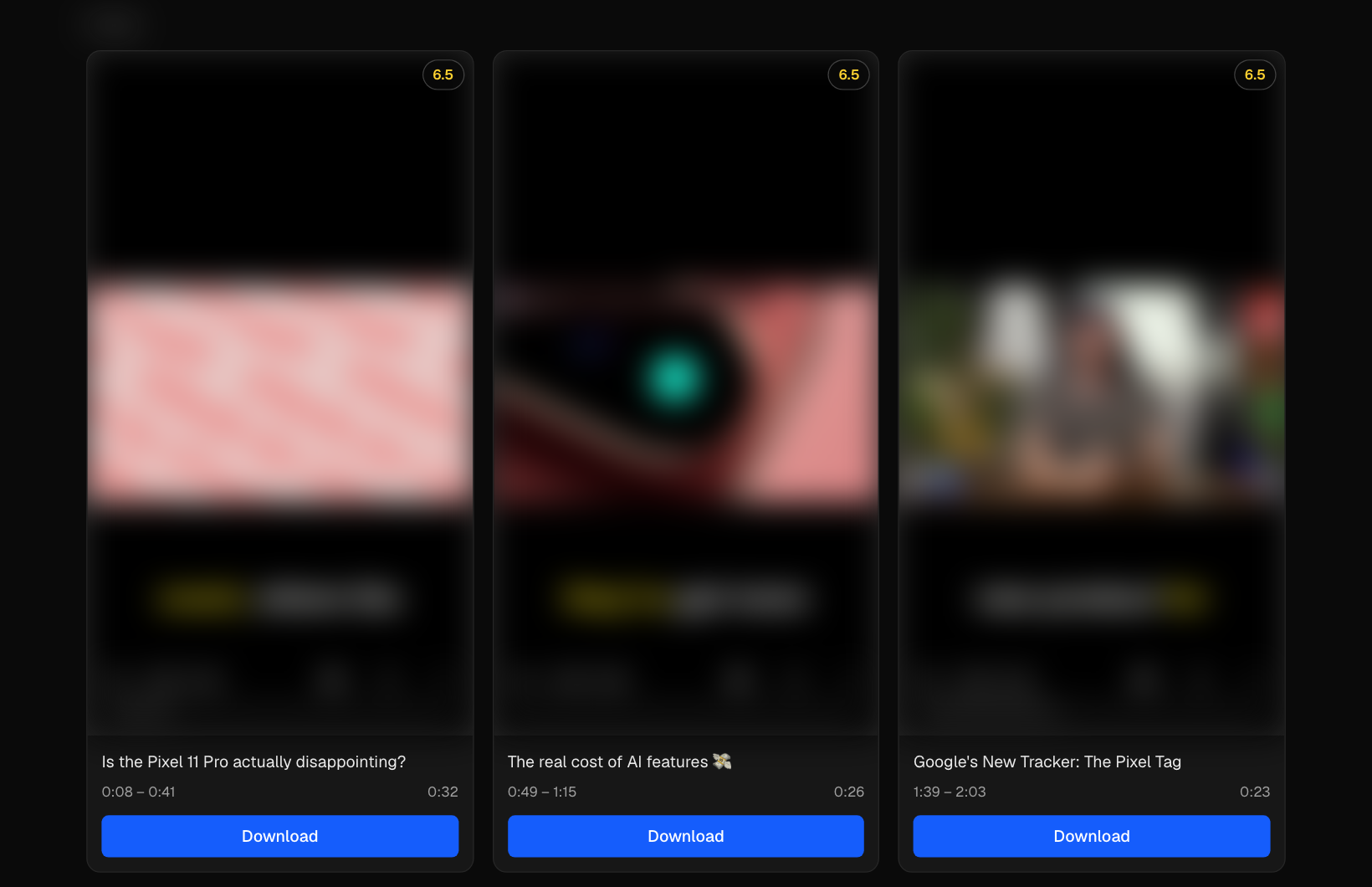
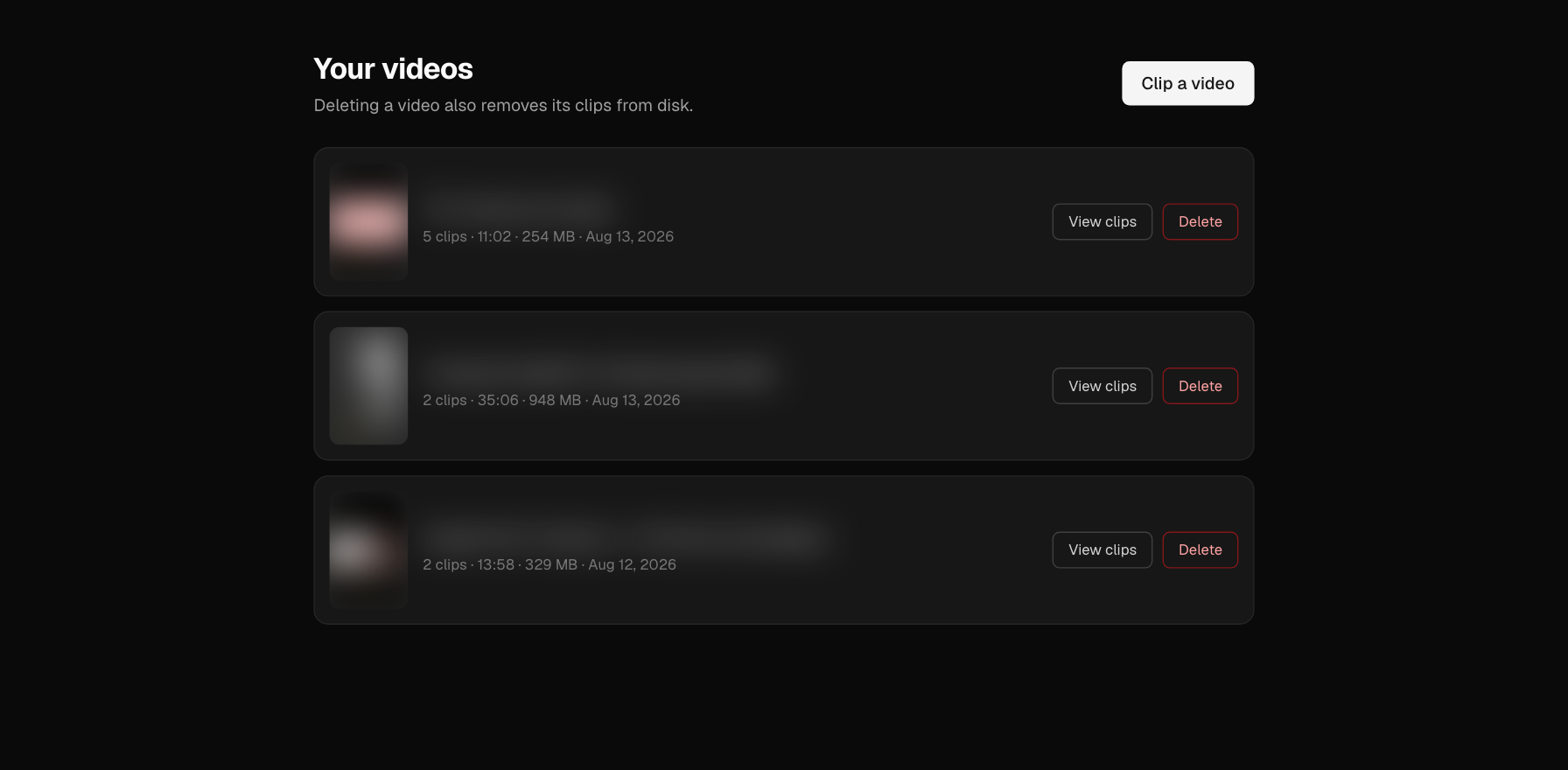
Real output. The videos belong to other creators, so frames, captions and source titles are blurred.
Private and free to run
- No uploads. By default everything runs on your own machine, and nothing is sent to an outside AI service.
- No subscription. There's no API key and no per-clip fee. The only cost is the computer it runs on.
- Tuned to real hardware. Settings are based on measured timings (about 45 seconds of analysis per candidate on an Apple Silicon Mac), and the app shows a live time estimate before you start.
Shaped by use
After the planned build was finished, each of these was added because it was needed while actually using it:
- Pick how many clips you want per video, which also limits how long the analysis takes.
- Steer the AI with a note like "focus on the pricing discussion".
- Three framing modes: fill the screen, letterbox with nothing cut off, or keep the original shape.
- A video library with one-click clean-up that tells you how much disk space it freed.
- Crash-safe: clips are saved as they're made, and interrupted jobs are picked back up.
Built to be relied on
- 288 automated tests on the processing pipeline, with strict type checking, running on every change.
- Checked on real output, for example confirming that letterboxed clips have pure black bars and an undistorted picture.
- Guarded AI prompts: your steering note is kept separate from the instructions, so odd text in it can't derail the analysis.
Got a repetitive job that AI could take on?
Tell us what it is. In 15 minutes we'll tell you honestly whether AI is a good fit, and whether it can run privately on your own kit.